LYRRA - CAREER TECH APP
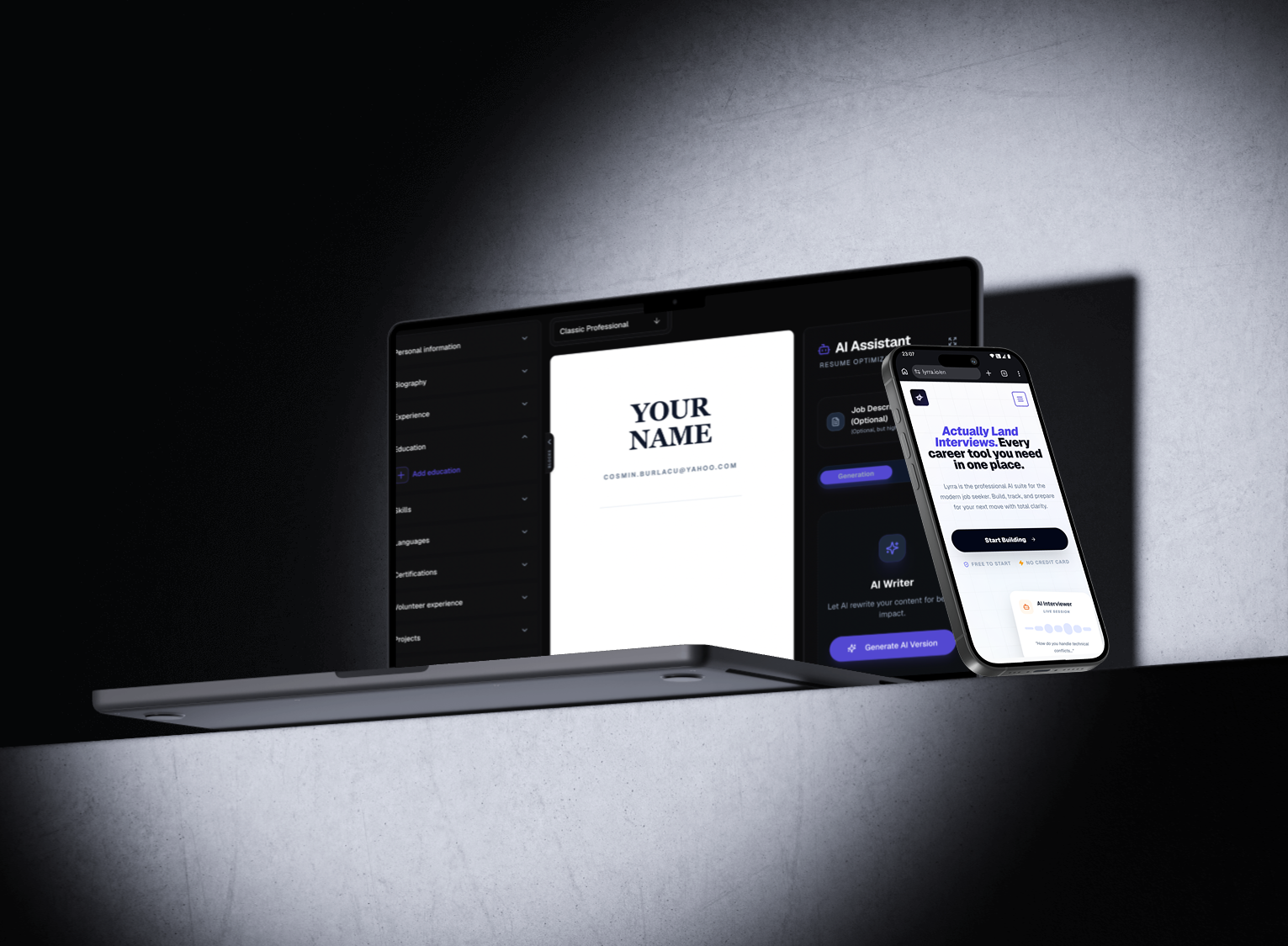
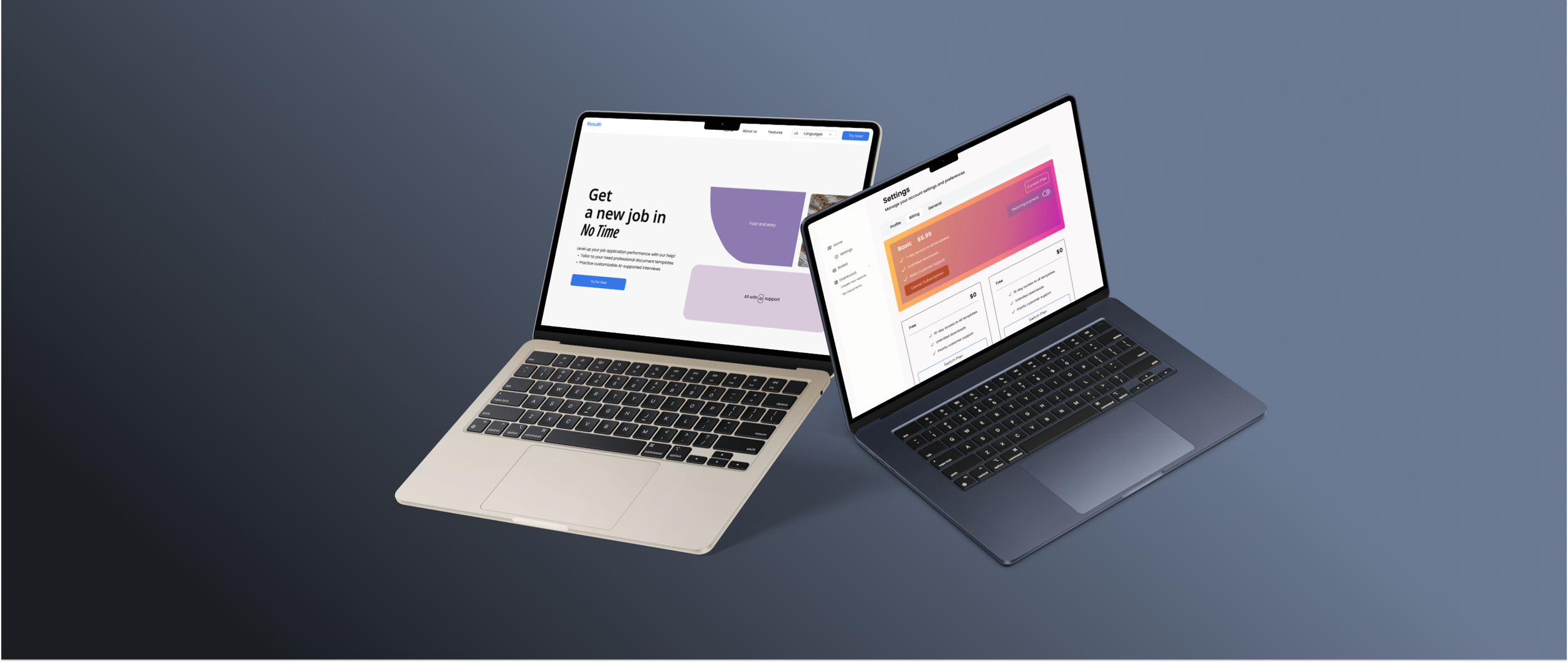
A Document Builder Web App designed to improve users' job market competitiveness by helping them create professional, tailored resumes and cover letters.
Duration: February 2025 - Present
Industry: Career Tech
Role: UI/UX Designer
Tools: Figma, ClickUp
The platform provides a guided, error-proof editing experience, enabling anyone to create polished application documents with ease.
AI supports its features that review the user’s input and suggest real-time improvements, ensuring clarity, tone, and professionalism.
The product is tailored for a general audience, prioritising accessibility, confidence, and usability at every step of the job application journey.
About
How might we help people of all ages and tech experience efficiently and confidently build job application documents to enhance their chances in the job market?
The Target Audience:
What do the users think?
Problem
35%-45% job seekers feel lost and overwhelmed by the complexity of the required application materials, leading to abandonment. This gap in the process costs companies potentially valuable applicants.
Problem
35%-45% job seekers feel lost and overwhelmed by the complexity of the required application materials, leading to abandonment. This gap in the process costs companies potentially valuable applicants.
Users aren’t just lost but lack the confidence to express themselves due to the “blank page syndrome”.
Problem
Users aren’t just lost but lack the confidence to express themselves due to the “blank page syndrome”.
Problem
The Confidence and lack of direction loophole

The Lyrra App is designed on the user-centred consideration that job seekers need guidance and clarity. By integrating AI suggestions and generation into a unified platform, we tackle the main issue: the confusion and complexity of the job application process.
Our scope is to reduce job application abandonment by transforming confusion into professional success and empowering individuals to present themselves effectively in the job market through professional tools.
Solution
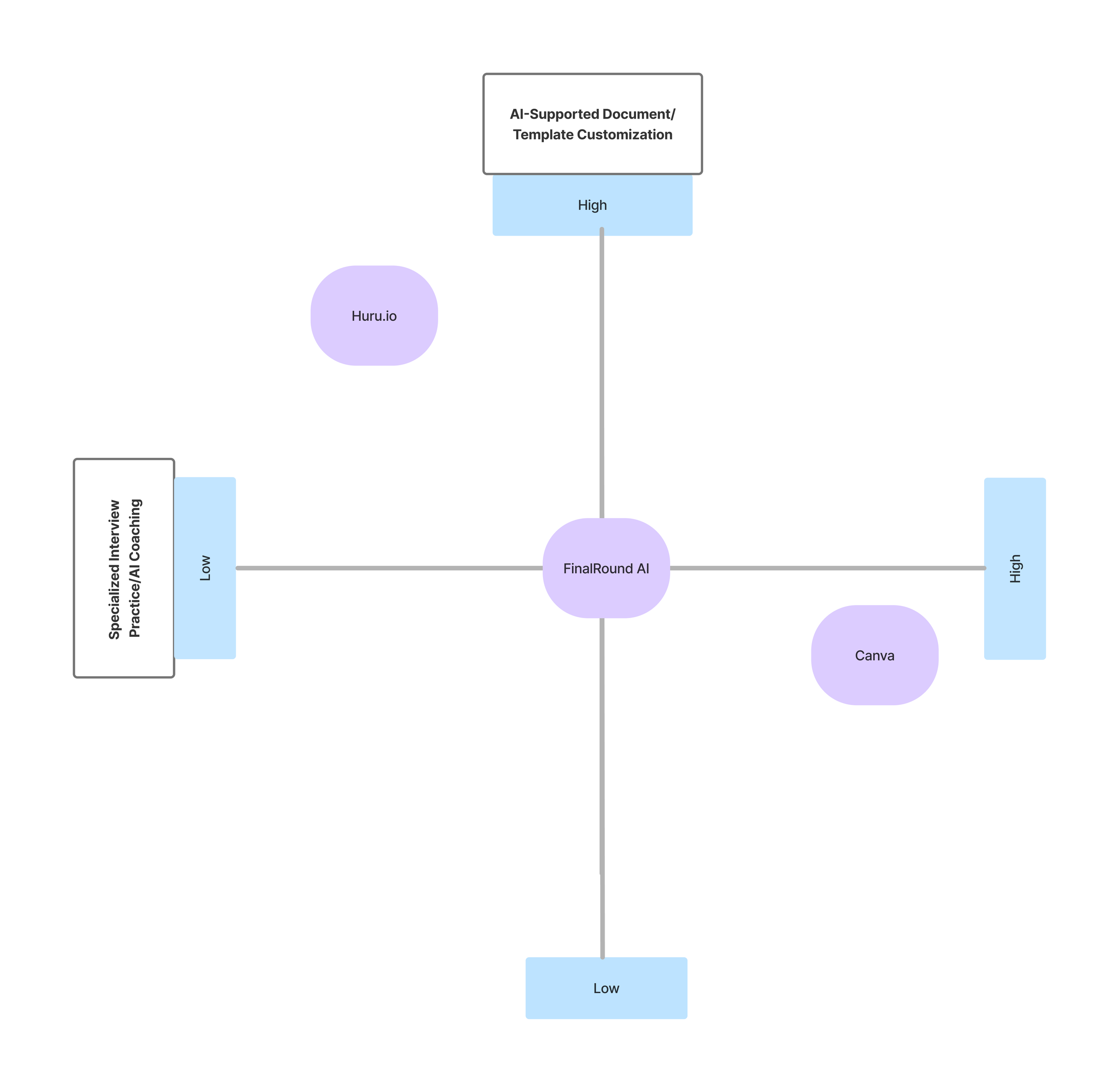
Research Phase: Best Practices Audit
(Competitor Analysis)
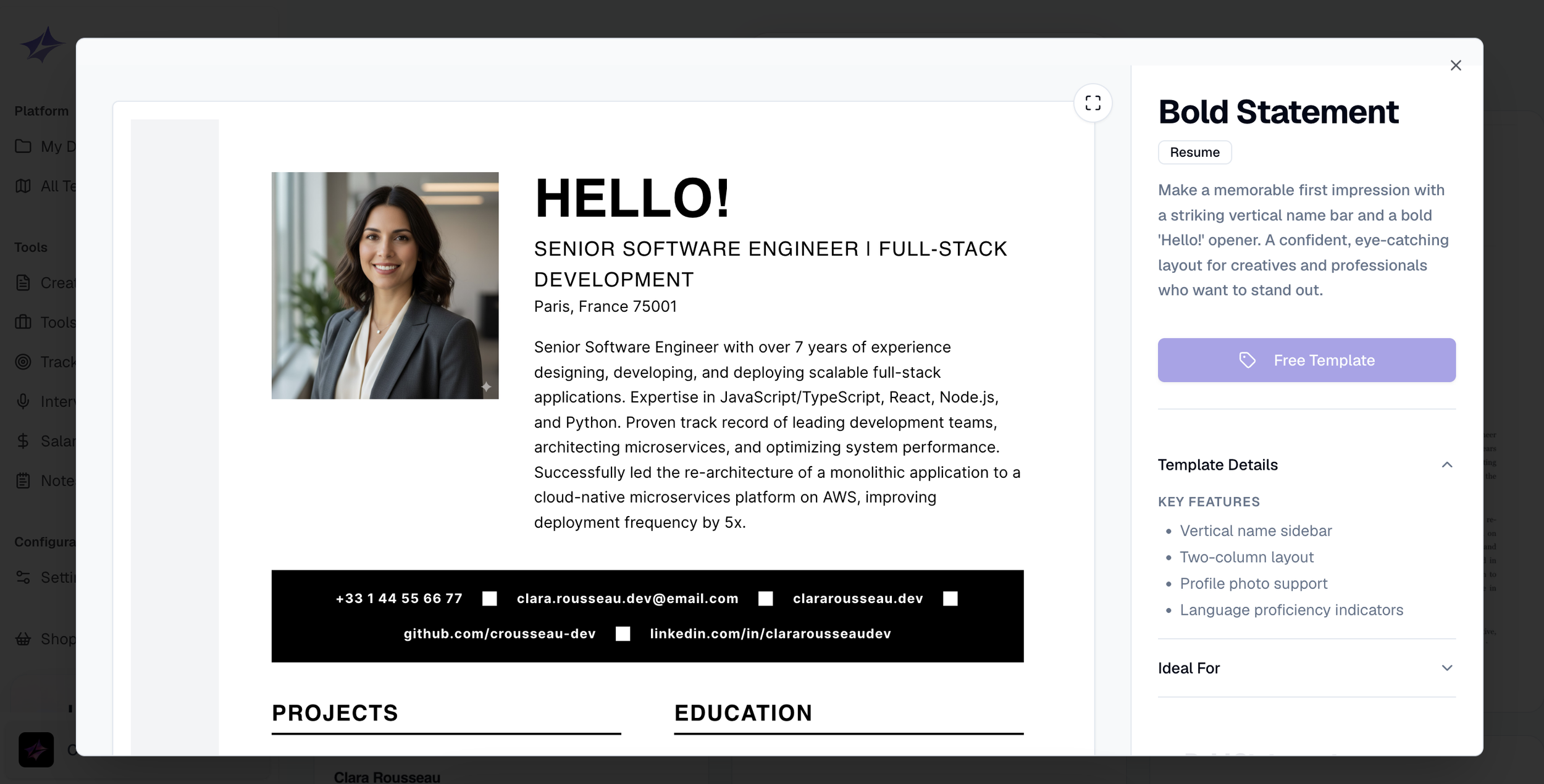
01 Product Catalogue
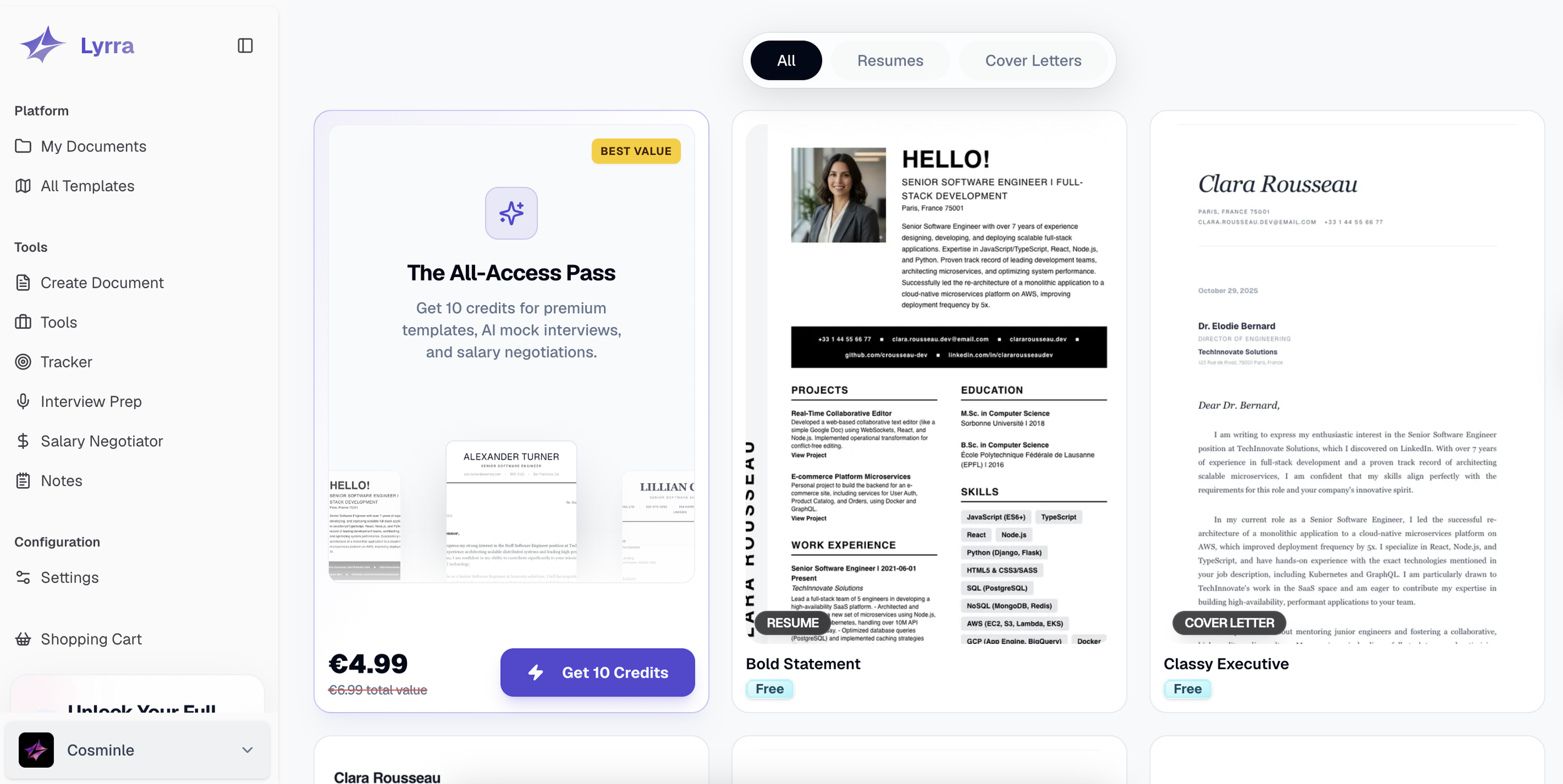
Enlarged full preview of template - An interactive design that enables users to explore content in greater detail through features such as zooming, scrolling, and focused inspection.
Descriptive tags and filters - Provide quick context and improve navigation.
02 The Dashboard
A personalised welcome section that combines quick-start functionality with a clear call-to-action for exploring premium features.
A collapsible document preview section that prioritises efficiency by showing recent items with the option to expand and view the full list."
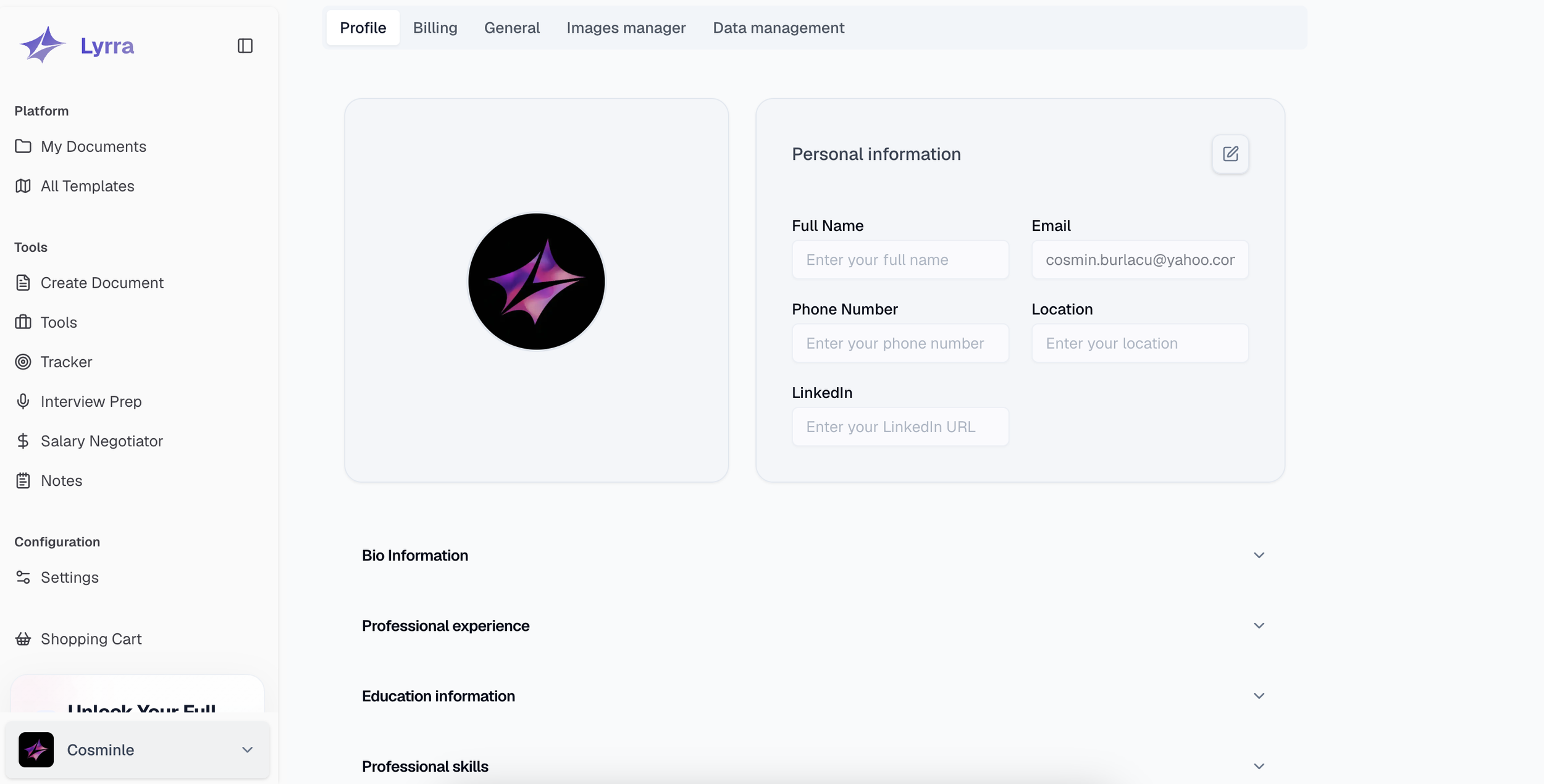
03 Profile
A personalised and clearly categorised interface that helps users create their profile step by step.
Collapsible profile sections for a more tailored and understandable view
04 Document Builder
Pre-established templates adapt in real time to edits and data input from the user
AI-Powered guidance that offers grammar corrections, phrasing enhancements and further tone suggestions
Iteration and Optimization
Original Document Builder
The design was confusing, particularly due to the information sections on the right, which lacked clear guidance on how to interact with or complete them. This hurt the overall user experience.

To address this, I relocated the right-hand section and restructured it so that each part stores saved information within collapsible dropdowns.
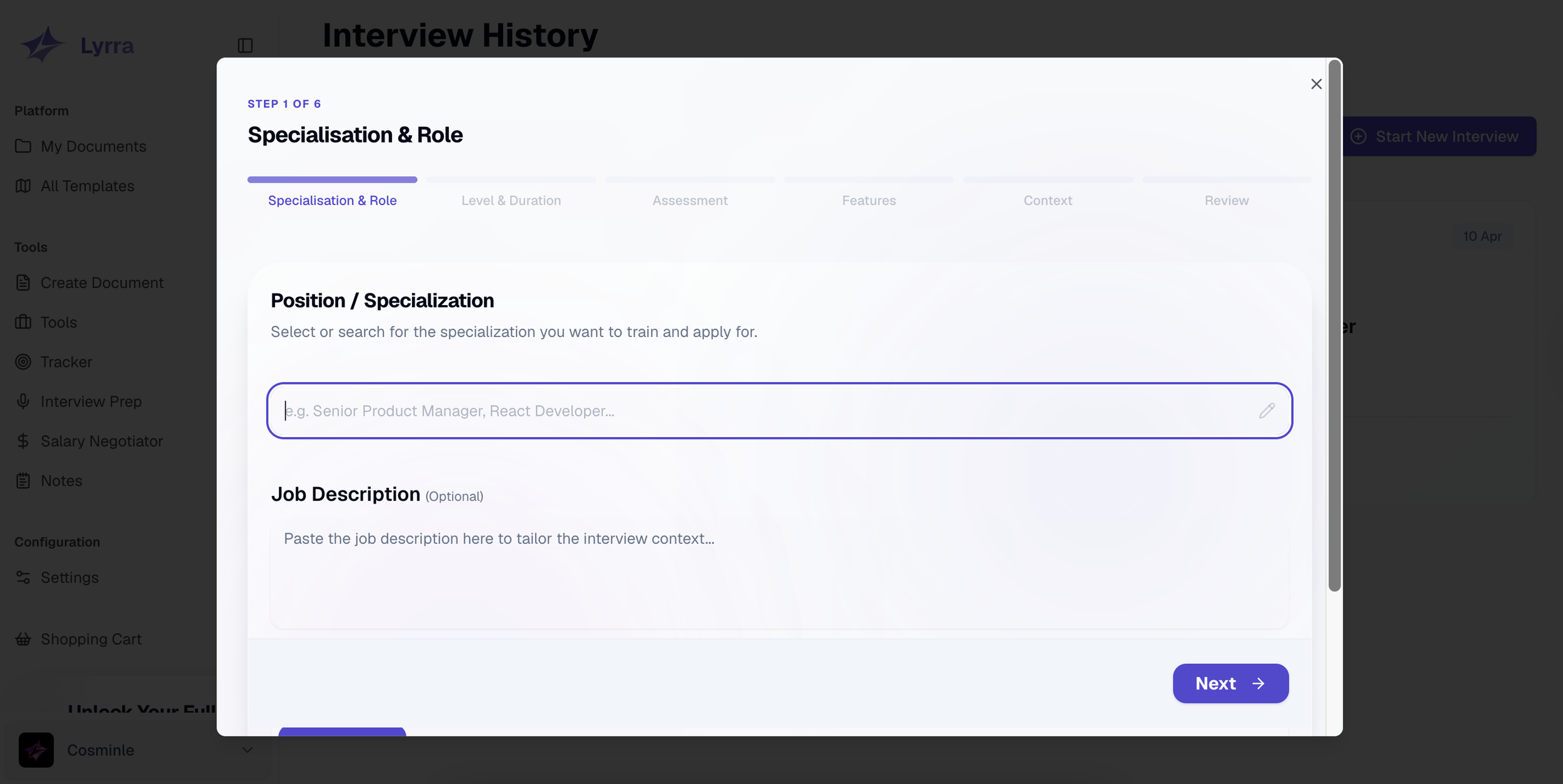
When users need to add or edit information, a dedicated pop-up appears with clearly defined input fields tailored to the specific data type.

Optimized Version
The streamlined Information Architecture ensures users can effortlessly move between resume editing, template selection, and coaching without losing context.
The Final Design
(The Current Status)
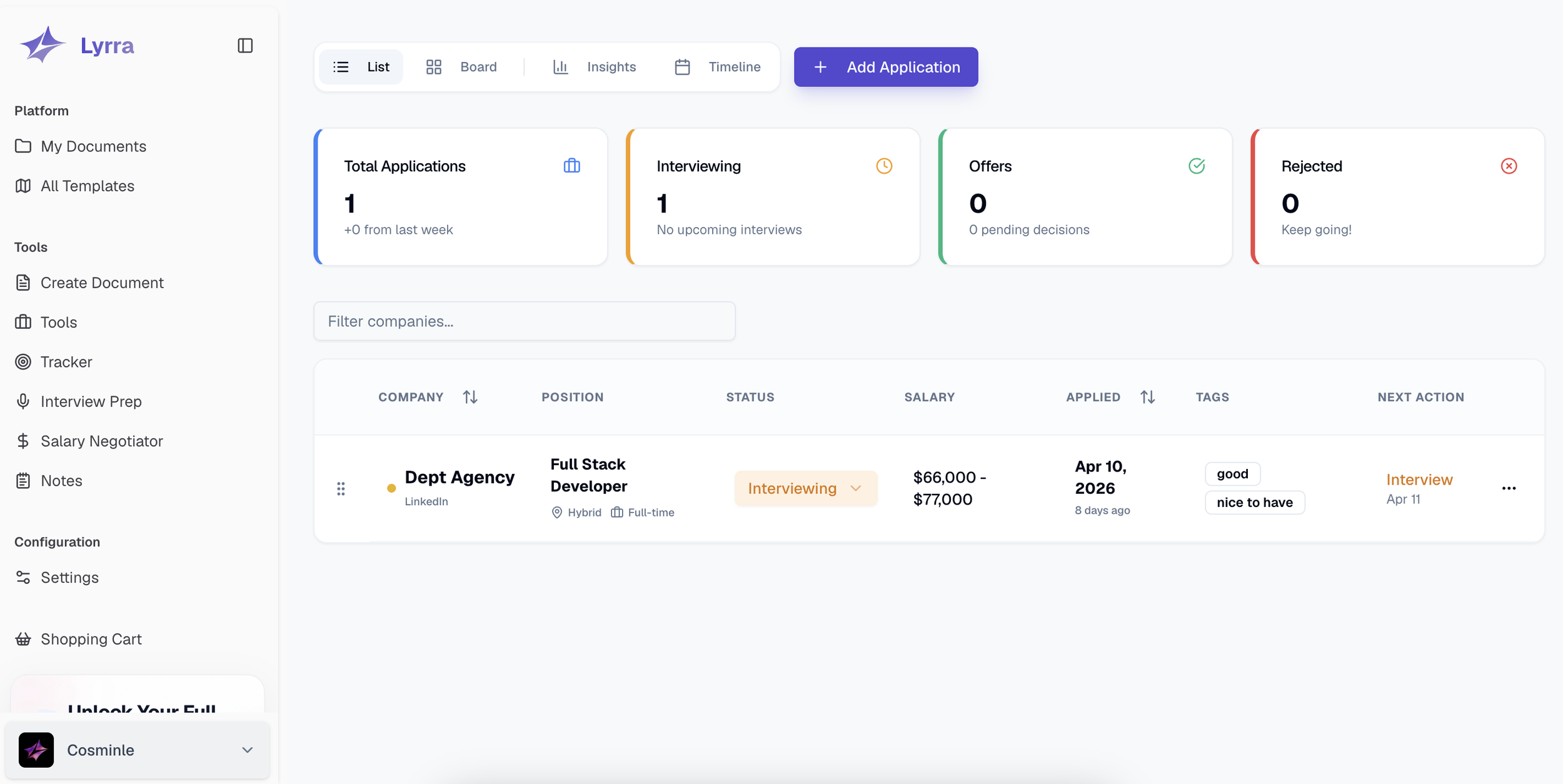
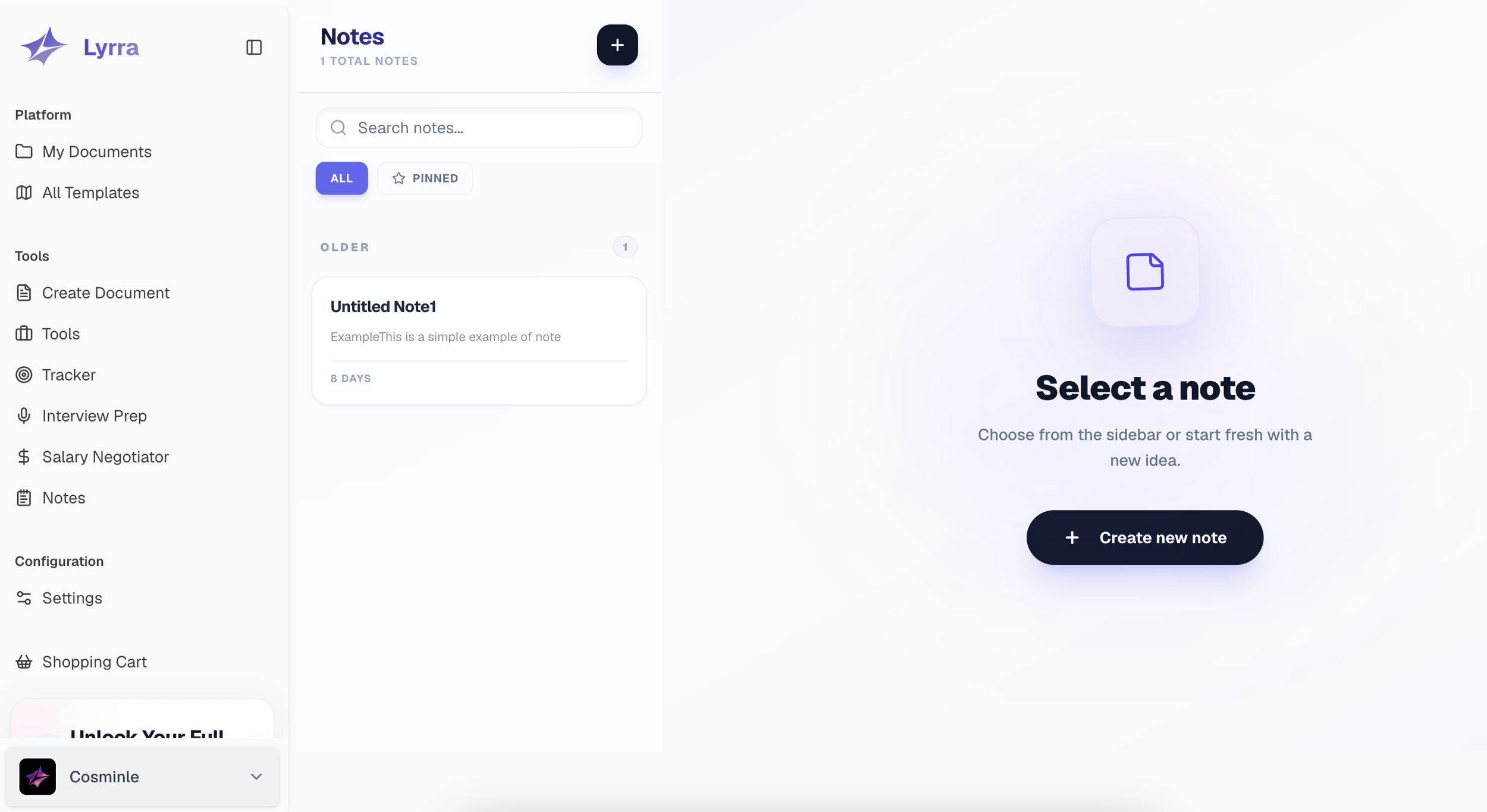
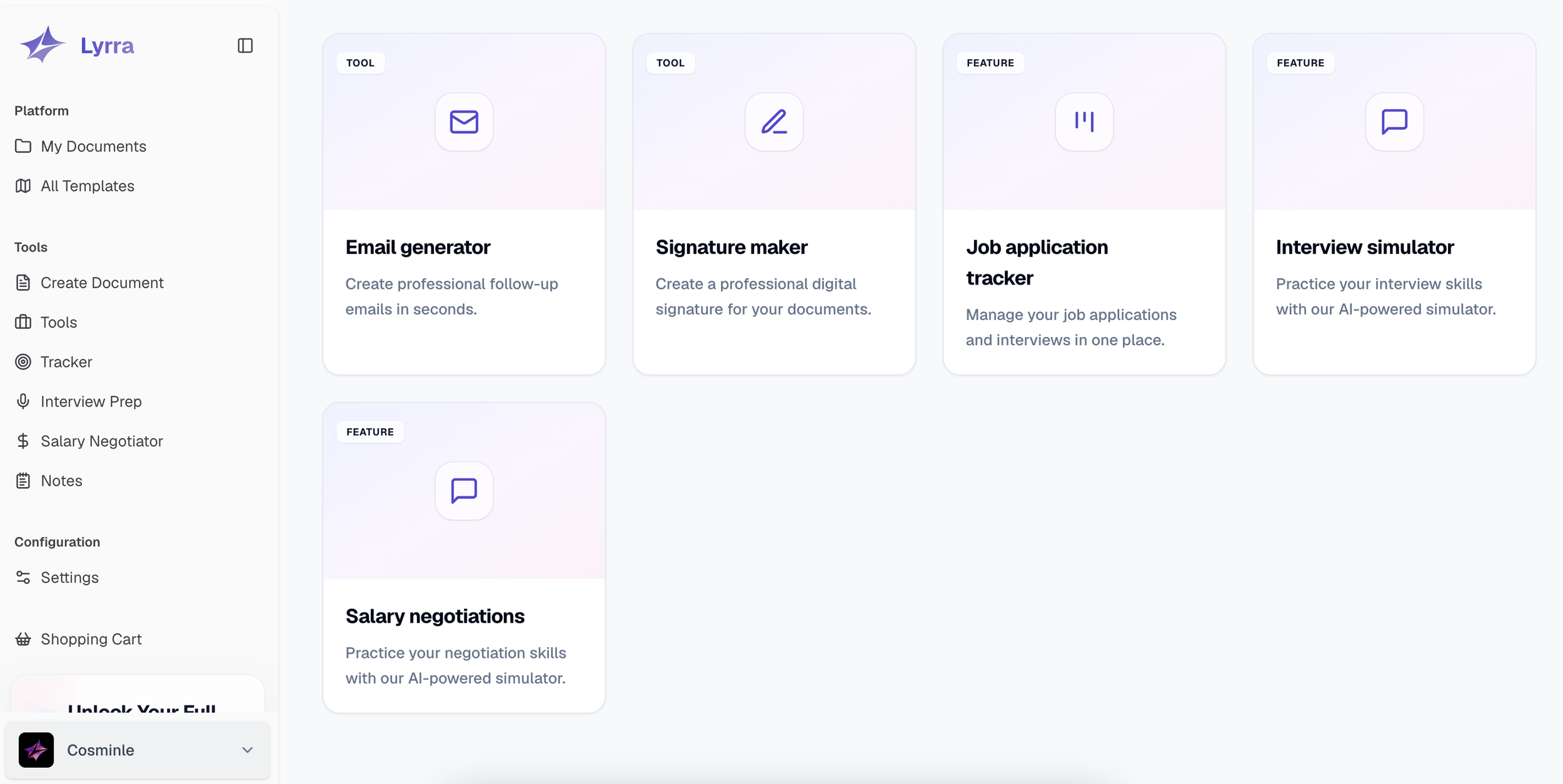
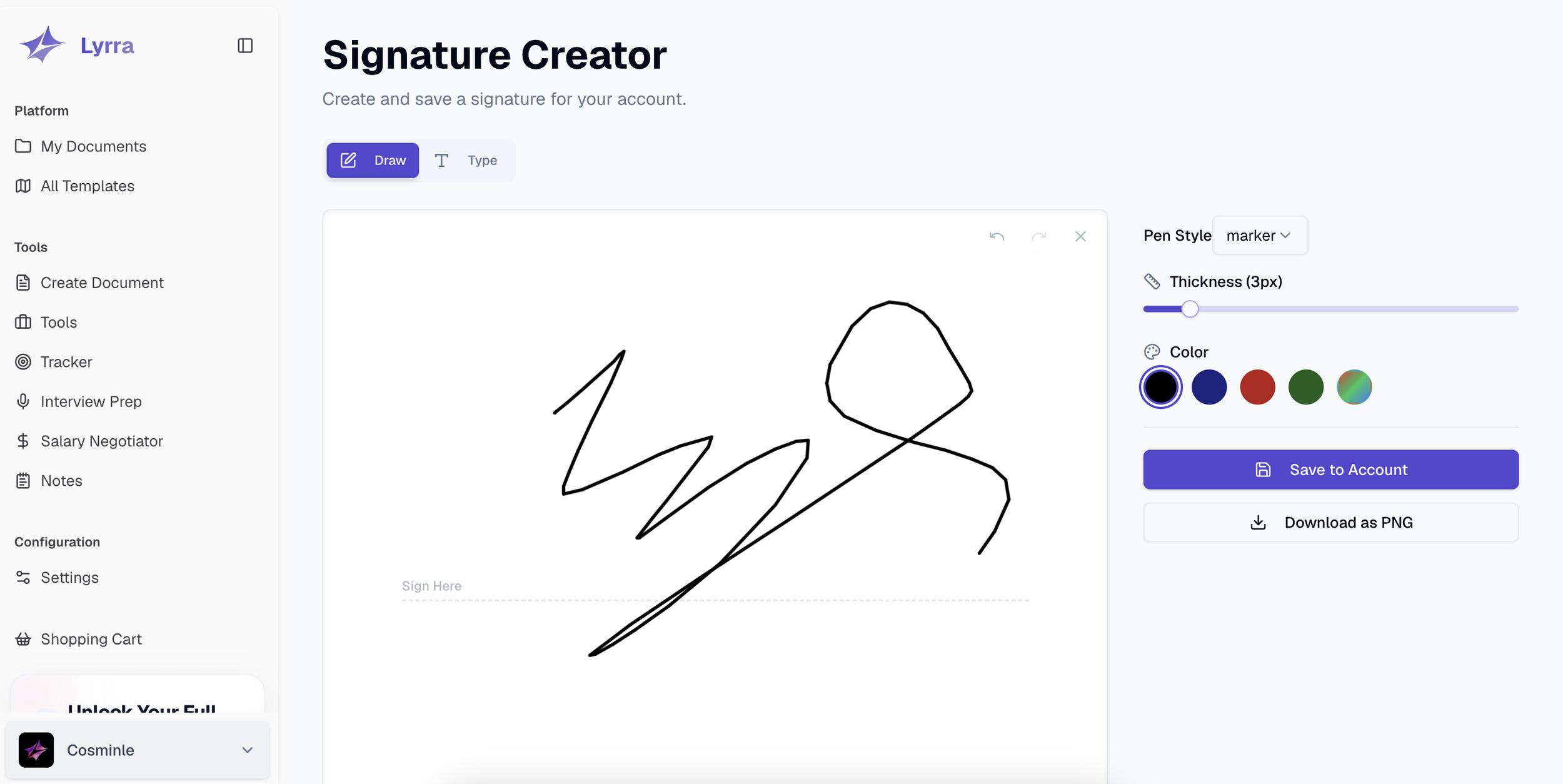
This is the delivered complete design for the Career Tech AI-Supported Document Builder. The application is under constant development since more features are planned for the next stage of the project.
35%-45% job seekers feel lost and overwhelmed by the complexity of the required application materials, leading to abandonment. This gap in the process costs companies potentially valuable applicants.

What did I learn working on a complex career-tech application from the foundation upwards as the sole Ux Designer

My Learnings
(Learnt Skills and Strategies)
Enhancing my communication skills:
Developed the confidence to initiate and lead meetings, in which I clearly present my design developments and further discuss project expansions.
Improving My Time and Project Management:
Experimenting with the SCRUM weekly cycles to organize and plan my workflow simultaneously with the client. This method offered transparency and helped me build awareness of priorities following the client’s needs.
Next steps: Validation and Measurements

As a final phase, my focus will be on executing Remote Usability Testing to validate and understand users’ interaction with the app and their honest feedback through:
Tracking the Error Rate and Task Completion Rate
Checking the app efficiency by monitoring Time-Spent -On-Task
Style Guide
Typography

Colour Palette
